Identity Verification
- Login to your account using your email and password.
-
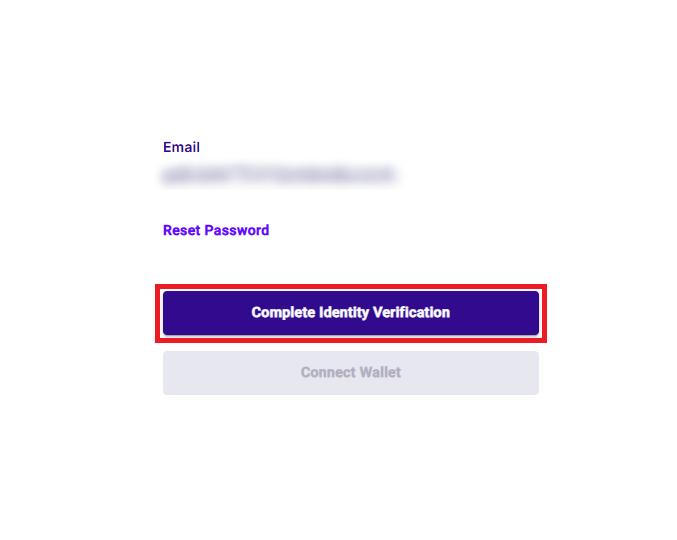
In your profile, click the "Complete Identity Verification" button to start the verification process.
-
Scan the QR code to connect your phone, or enter your phone number to receive a verification link. You will be asked for pictures of your ID/passport and a selfie. Follow the prompts and then wait for the verification to complete.

-
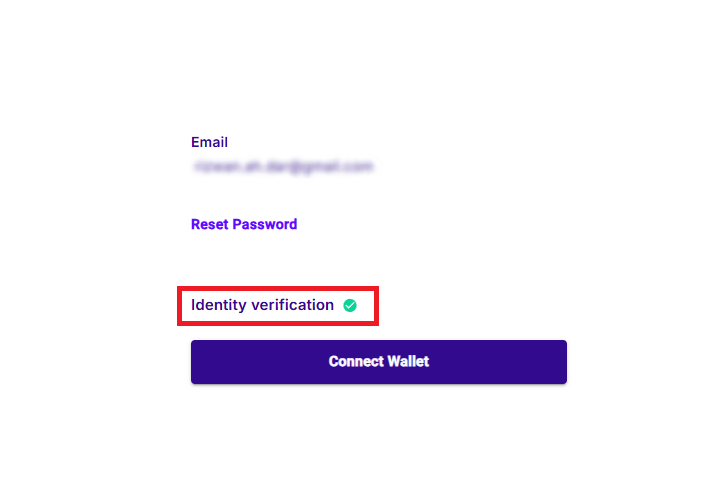
Once the verification is complete your profile should look like this. In case you still see "Complete Identity Verification" button, try to log out and log in again.