Sign Up
- Go to the HUMAN App.
-
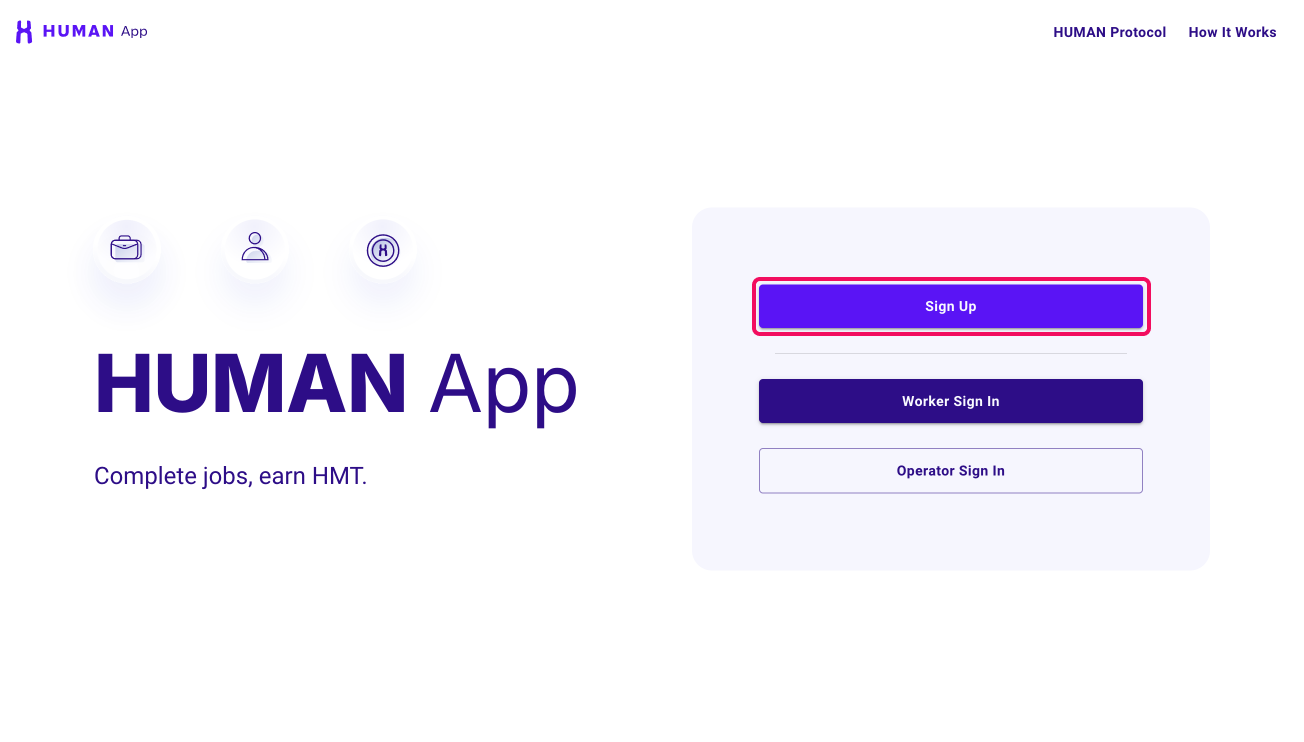
Click the "Sign Up" button on the homepage to begin the registration.
-
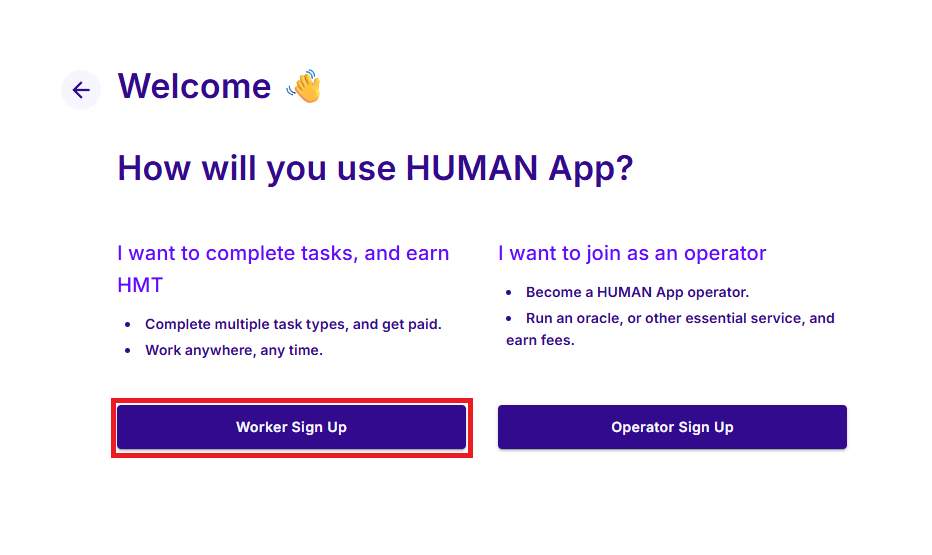
You will be directed to the welcome page, where you need to choose how you will use the HUMAN App. There are two options:
- Option 1: I want to earn HMT
- Option 2: I want to join as an operator
Choose "I want to earn HMT" section and click on "Sign Up to Complete Tasks".
-
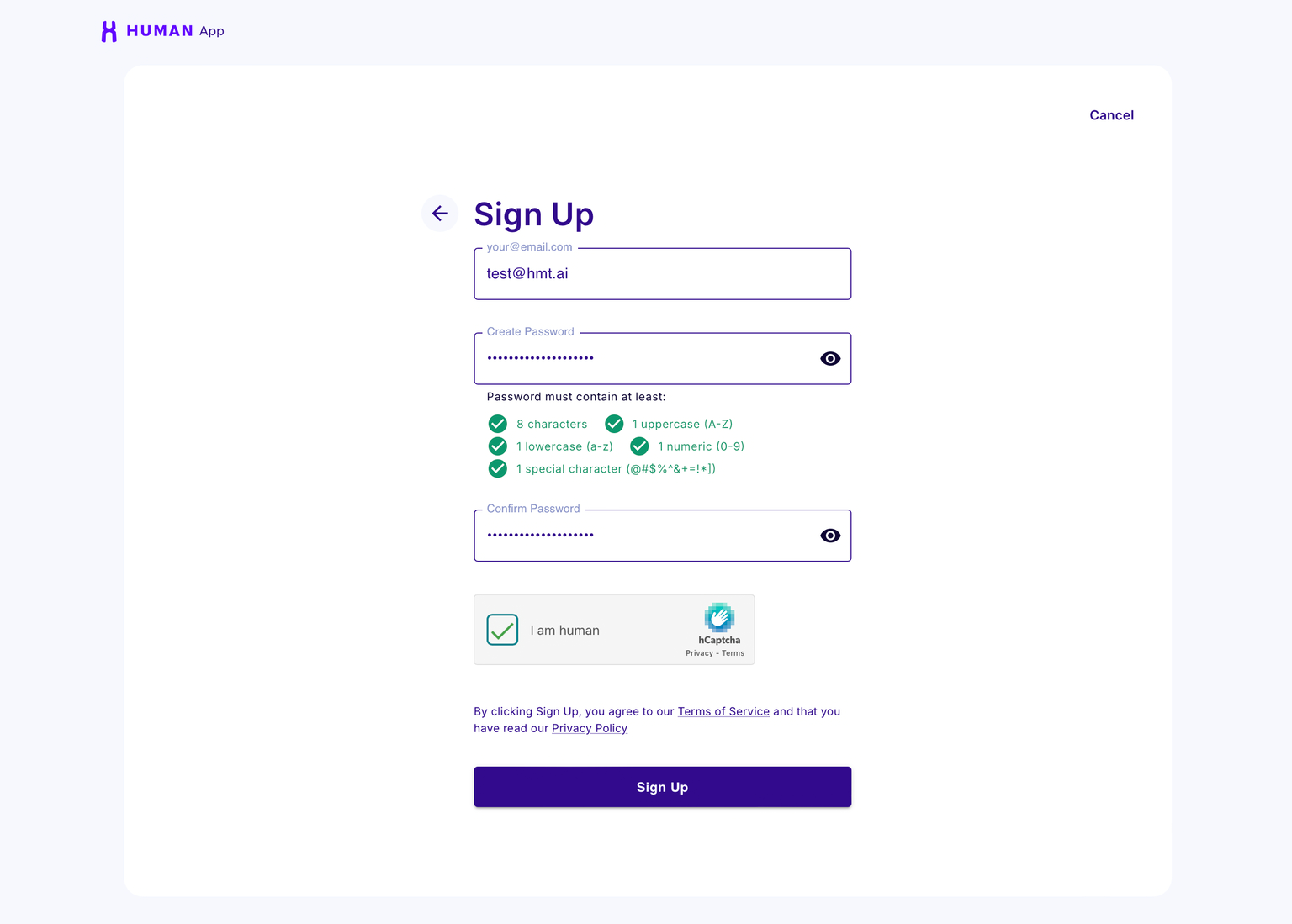
After selecting "Sign Up to Complete Tasks", you will be taken to the Sign-Up page. Enter your email and create a complex password (e.g., with a mix of letters, numbers, and special characters) and then click "Sign Up".
-
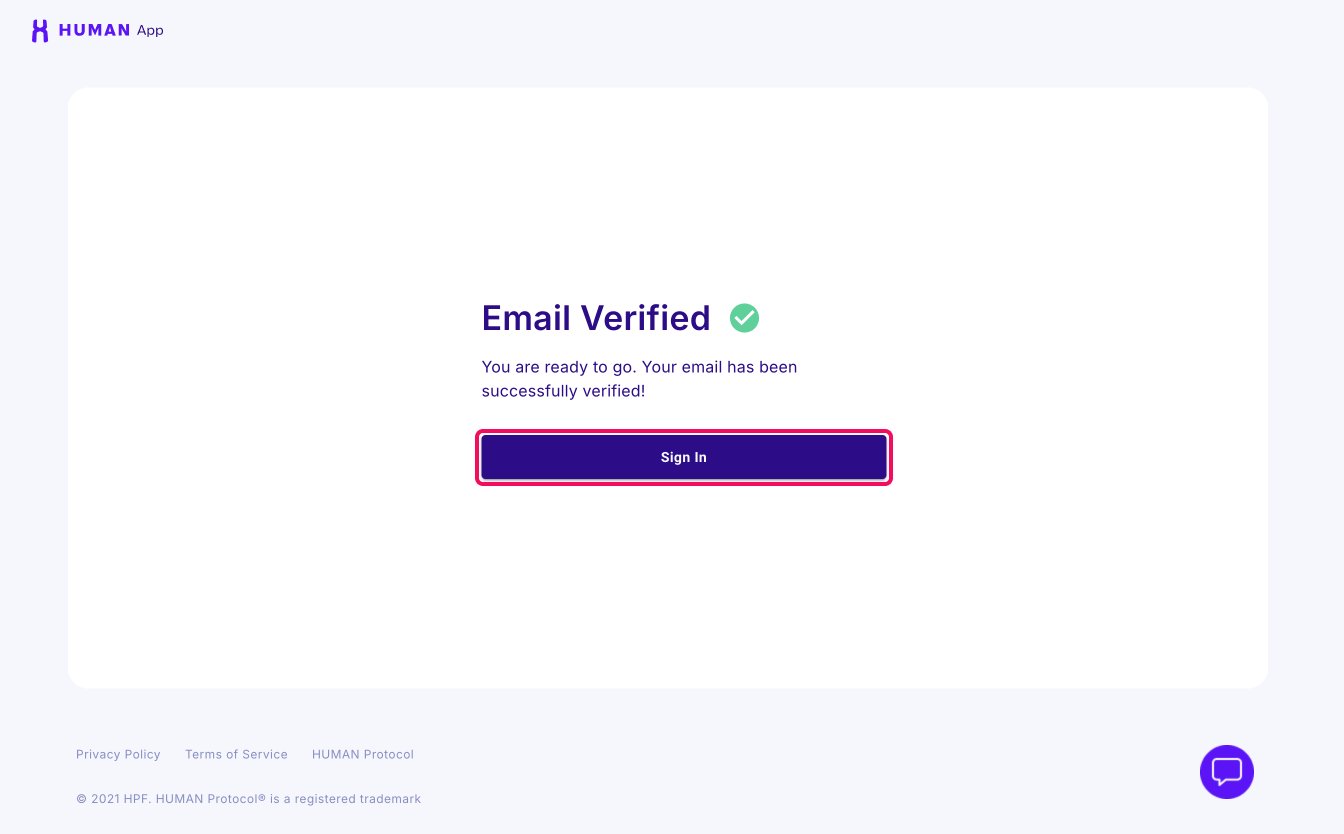
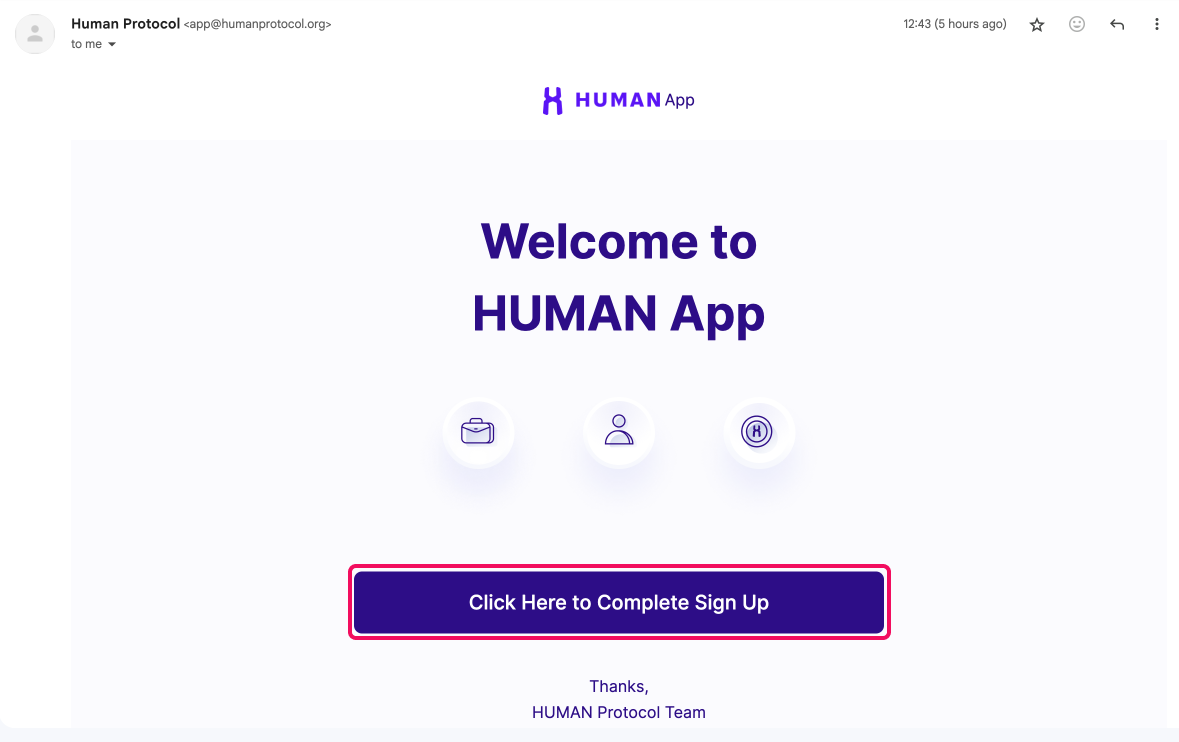
Check your email for a verification link. Follow the instructions in the email to verify your account.
-
Click "Sign In", and sign into your account.