Wallet Address Registration
-
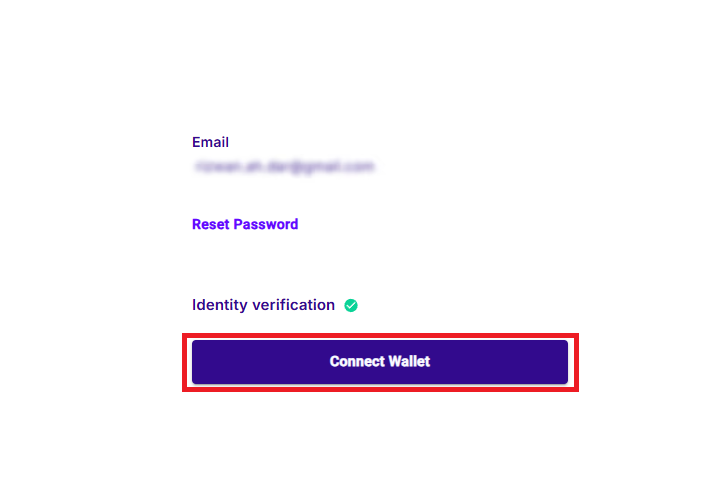
On your profile page click the "Connect Wallet" button.
-
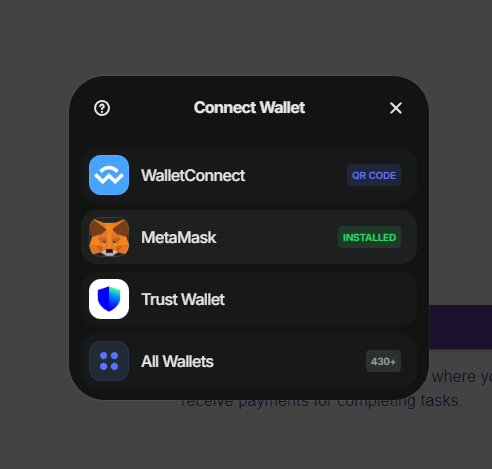
Click on the wallet you want to use. In this example MetaMask.
-
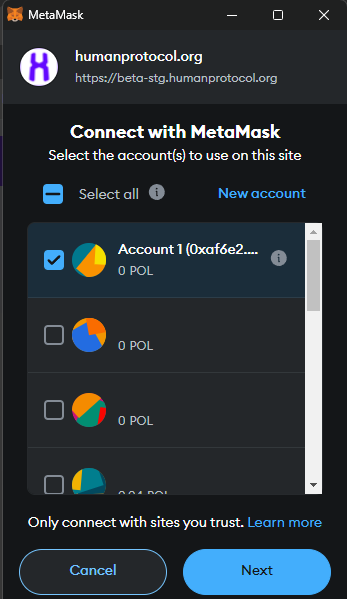
Select the wallet with which you want to link your HUMAN account. This is the wallet where you will receive the rewards for solving the jobs.
-
Confirm that you want to connect.
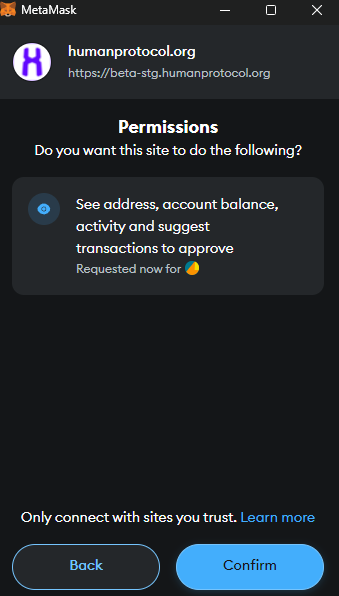
-
Sign the message so that HUMAN App can verify that you own the wallet. This step helps to avoid sending payouts to the wrong address.

-
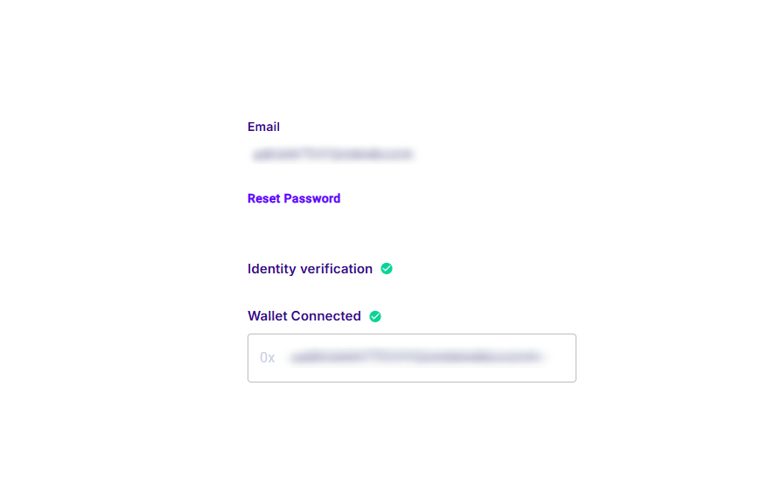
After completing the process your profile account should look like this.