Fortune
Info
Fortune job types are only available on staging environment
You can choose to pay for your job with:
Pay with fiat#
-
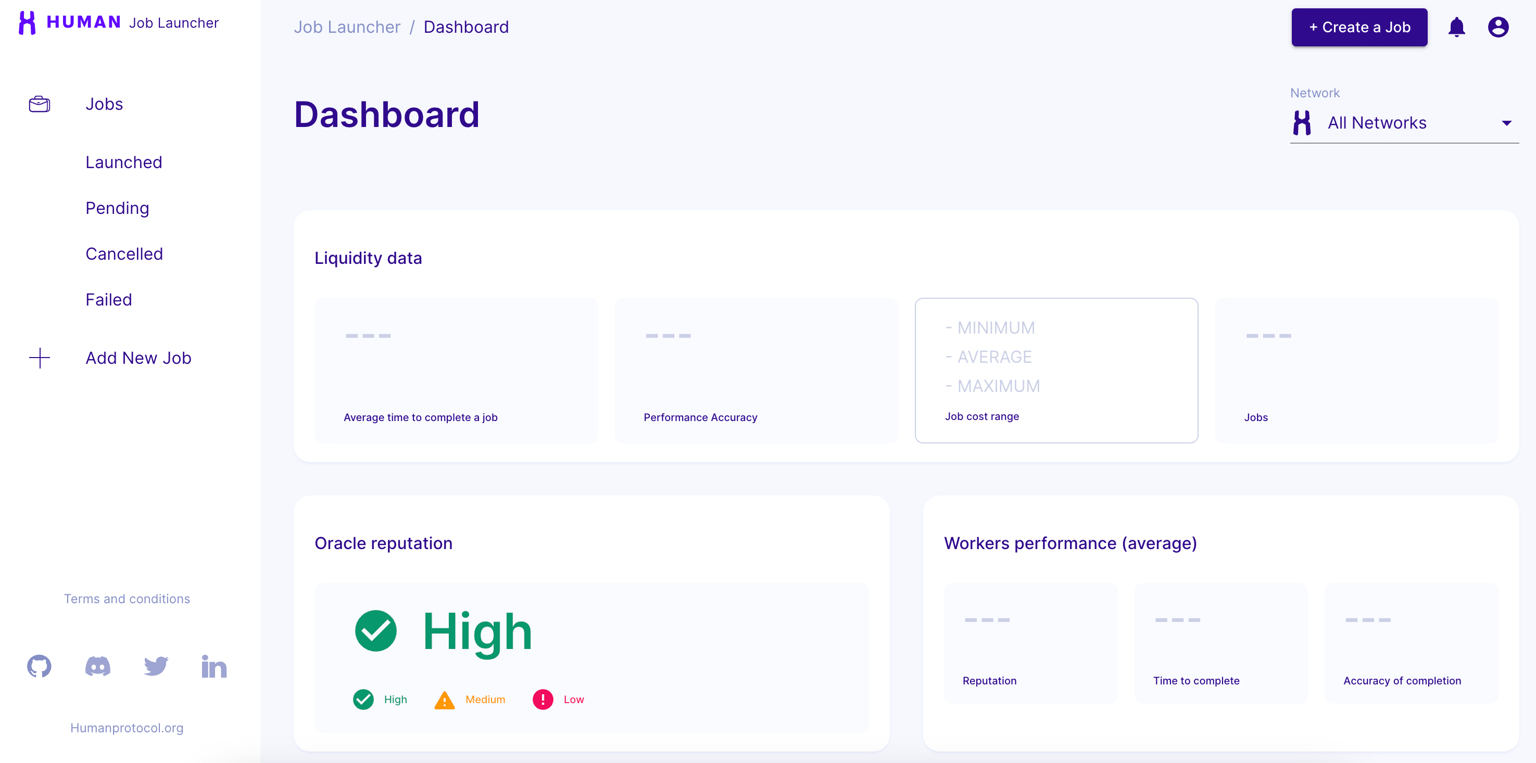
Click Create a Job.
-
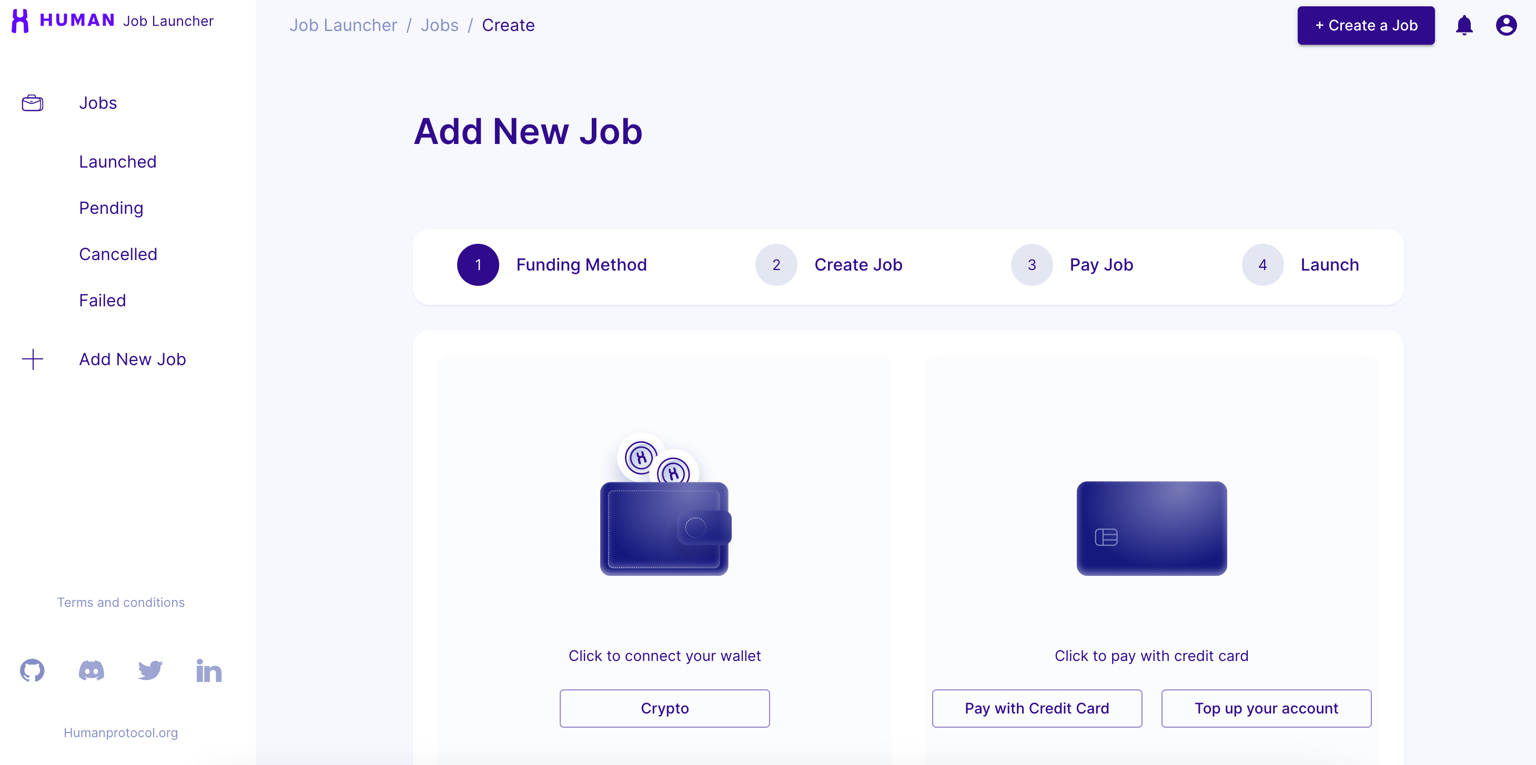
Click Pay with Credit Card.
-
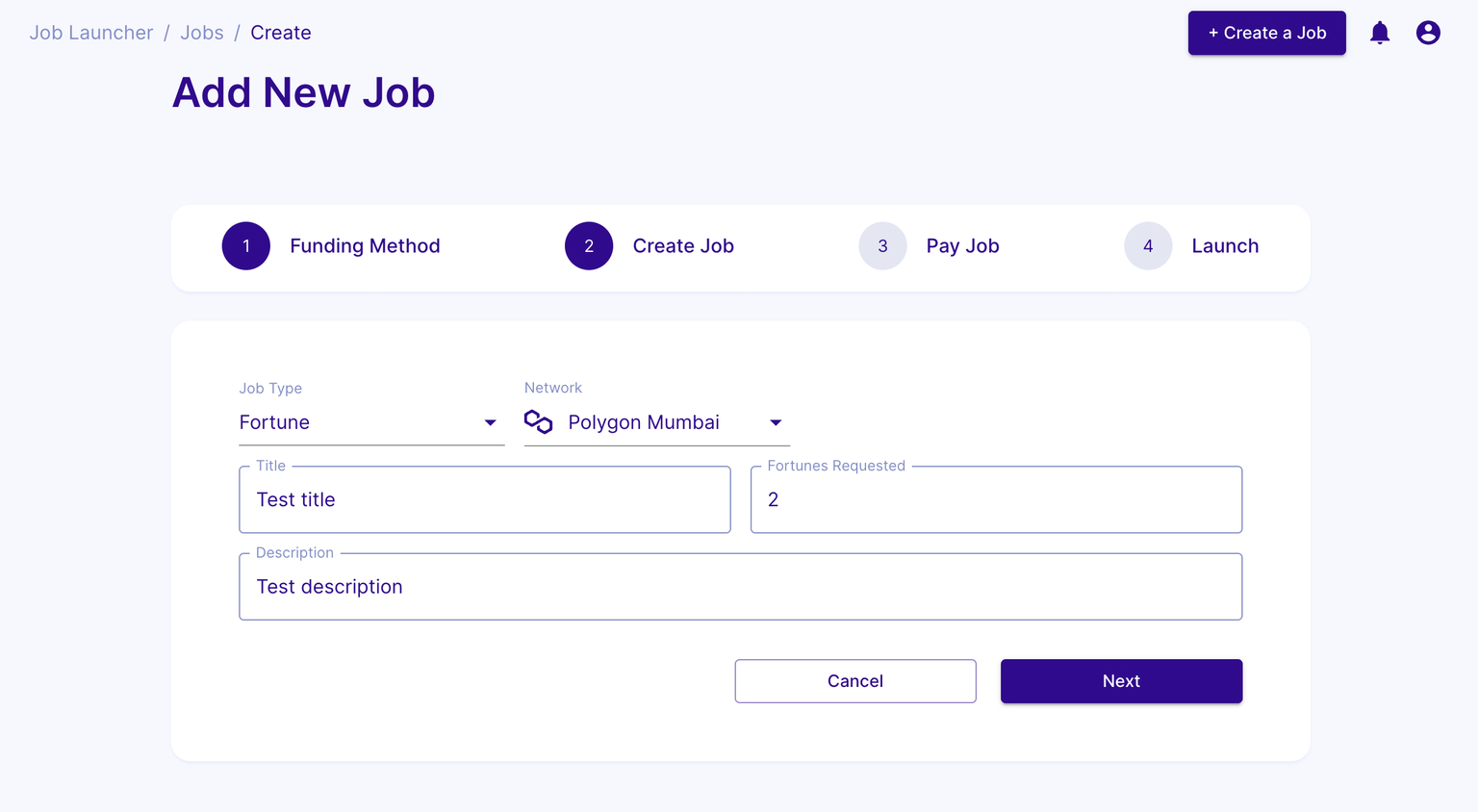
Fill the job creation form.
- Job Type: choose Fortune.
- Network: select the network to launch the job.
- Title: name your Fortune job.
- Fortunes Requested: number of solutions required.
- Description: describe your Fortune job.
-
Enter your card details. For testing environments, you can use can find testing card details here.
-
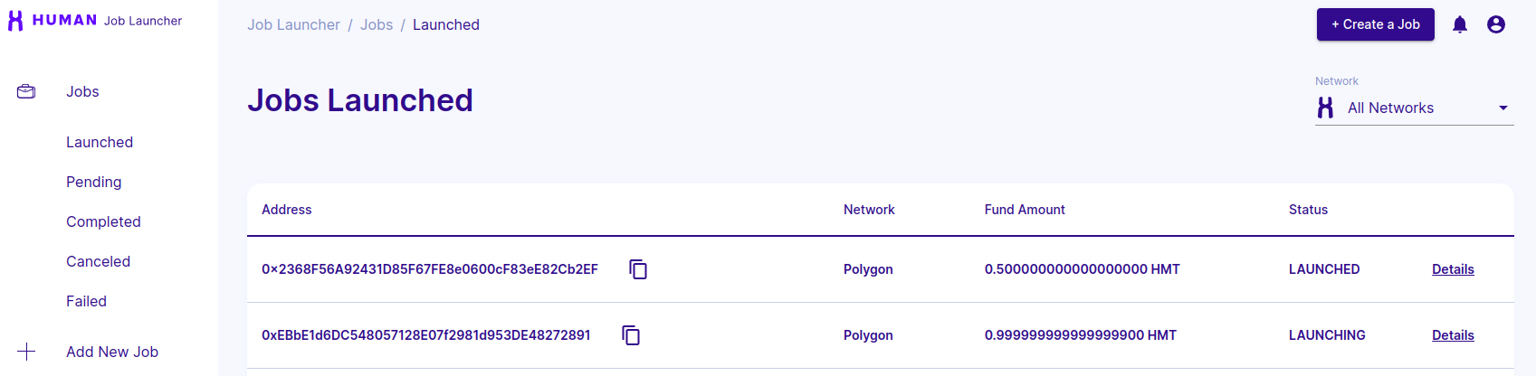
You can see your pending job in https://job-launcher.humanprotocol.org/jobs/pending.
- Once your job is launched, it appears in https://job-launcher.humanprotocol.org/jobs/launched.
Pay with crypto#
-
Click Create a Job.
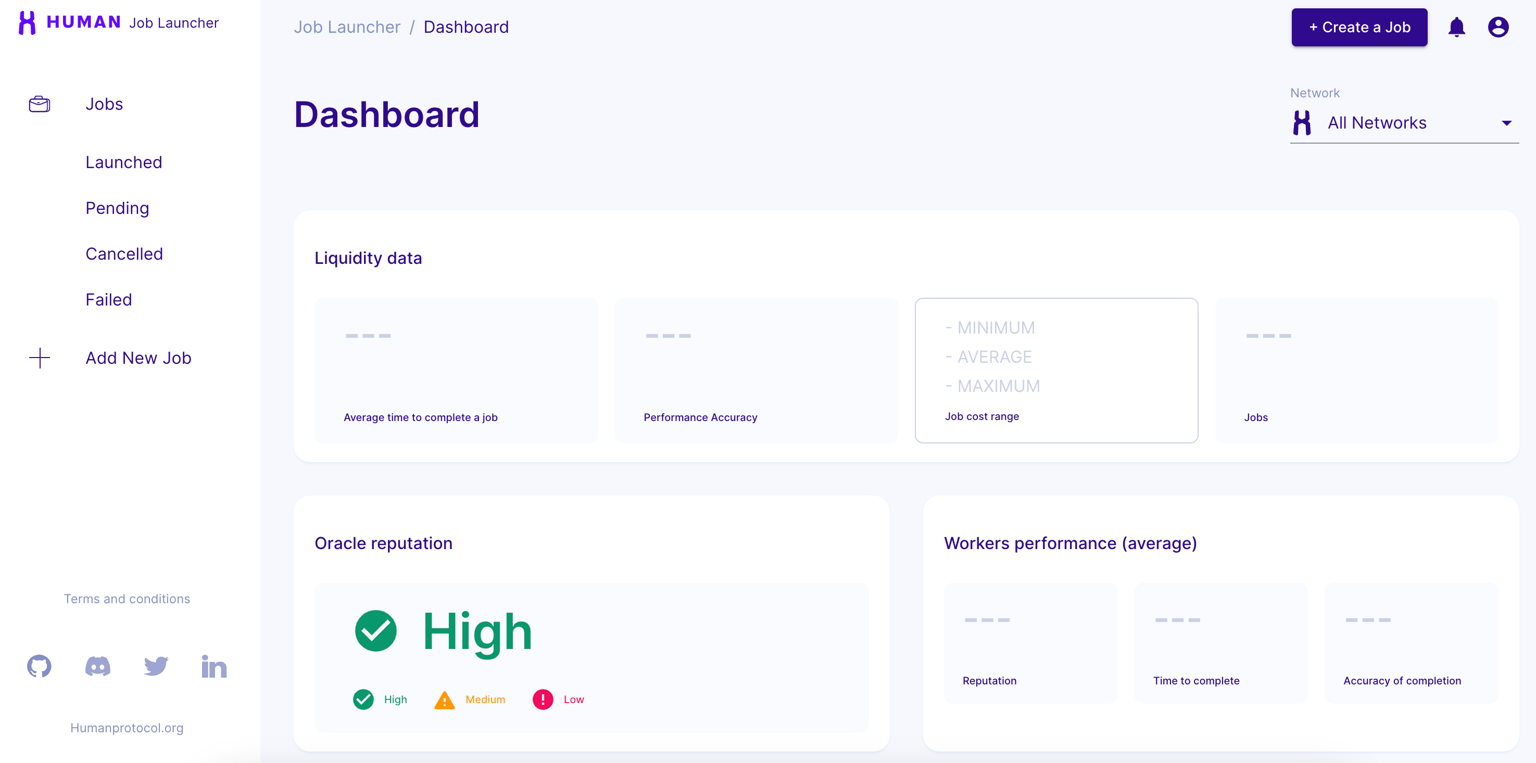
-
Click Crypto.
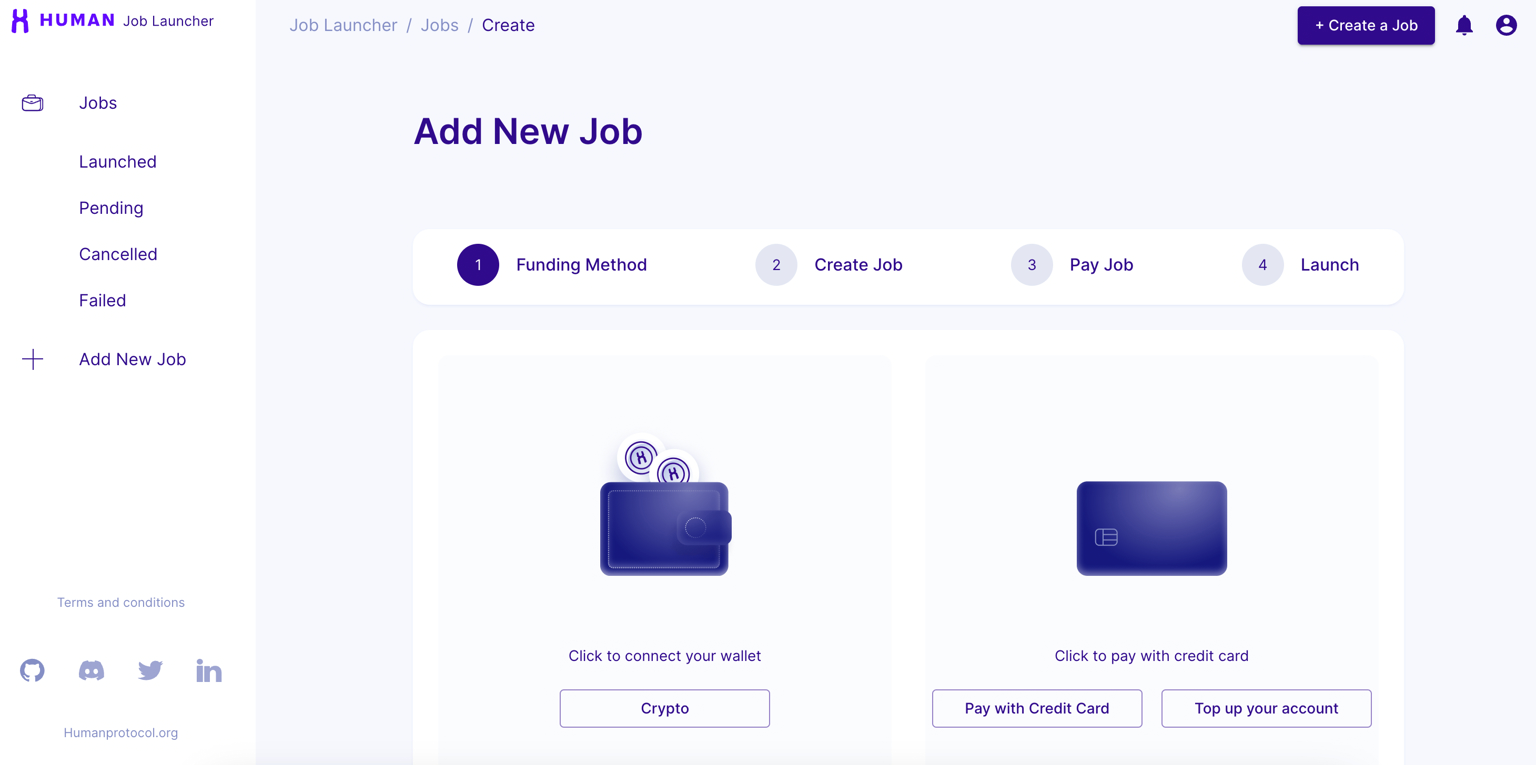
-
Connect your wallet.
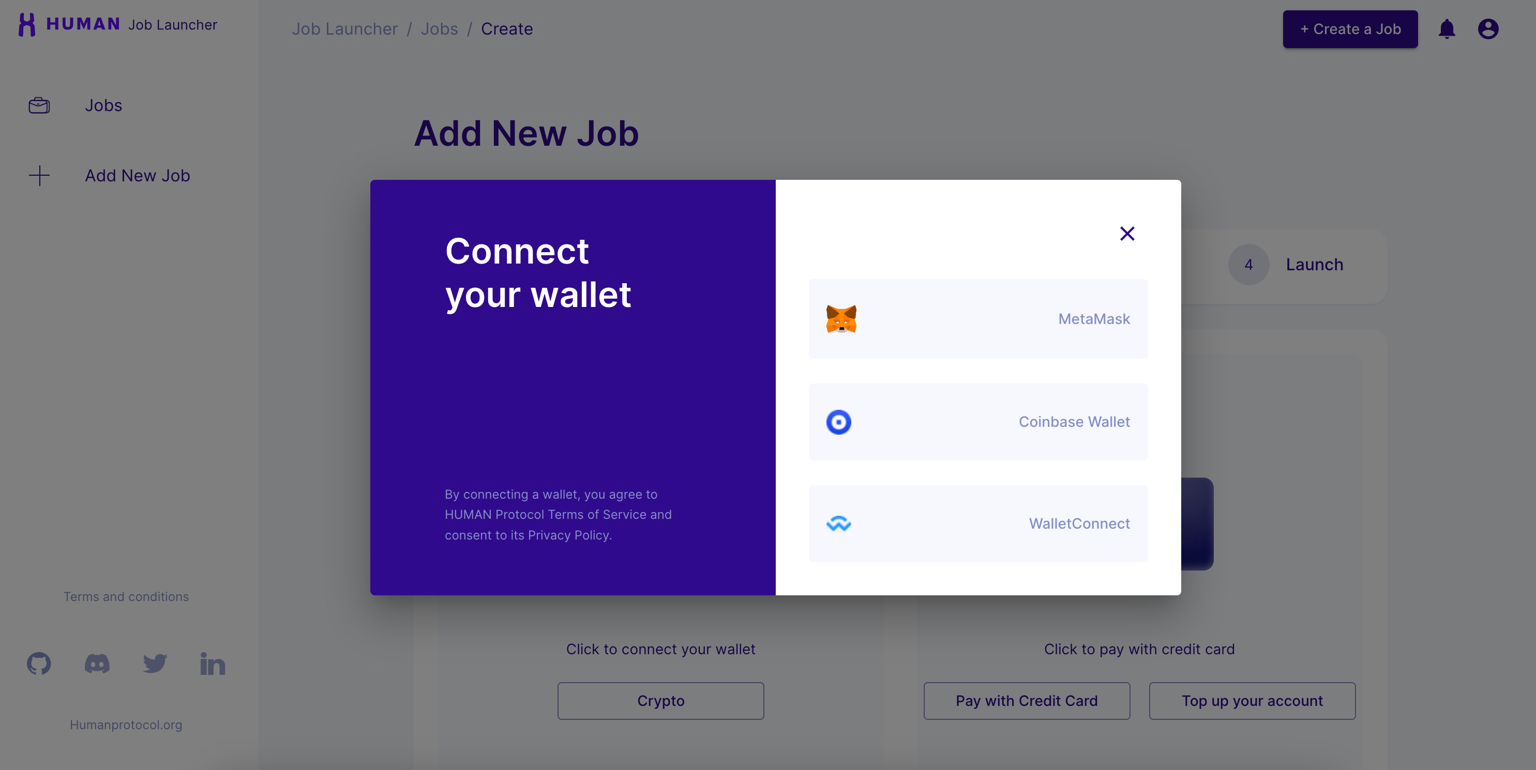
-
Fill the job creation form.
- Job Type: choose Fortune.
- Network: select the network to launch the job.
- Title: name your Fortune job.
- Fortunes Requested: number of solutions required.
- Description: describe your Fortune job.
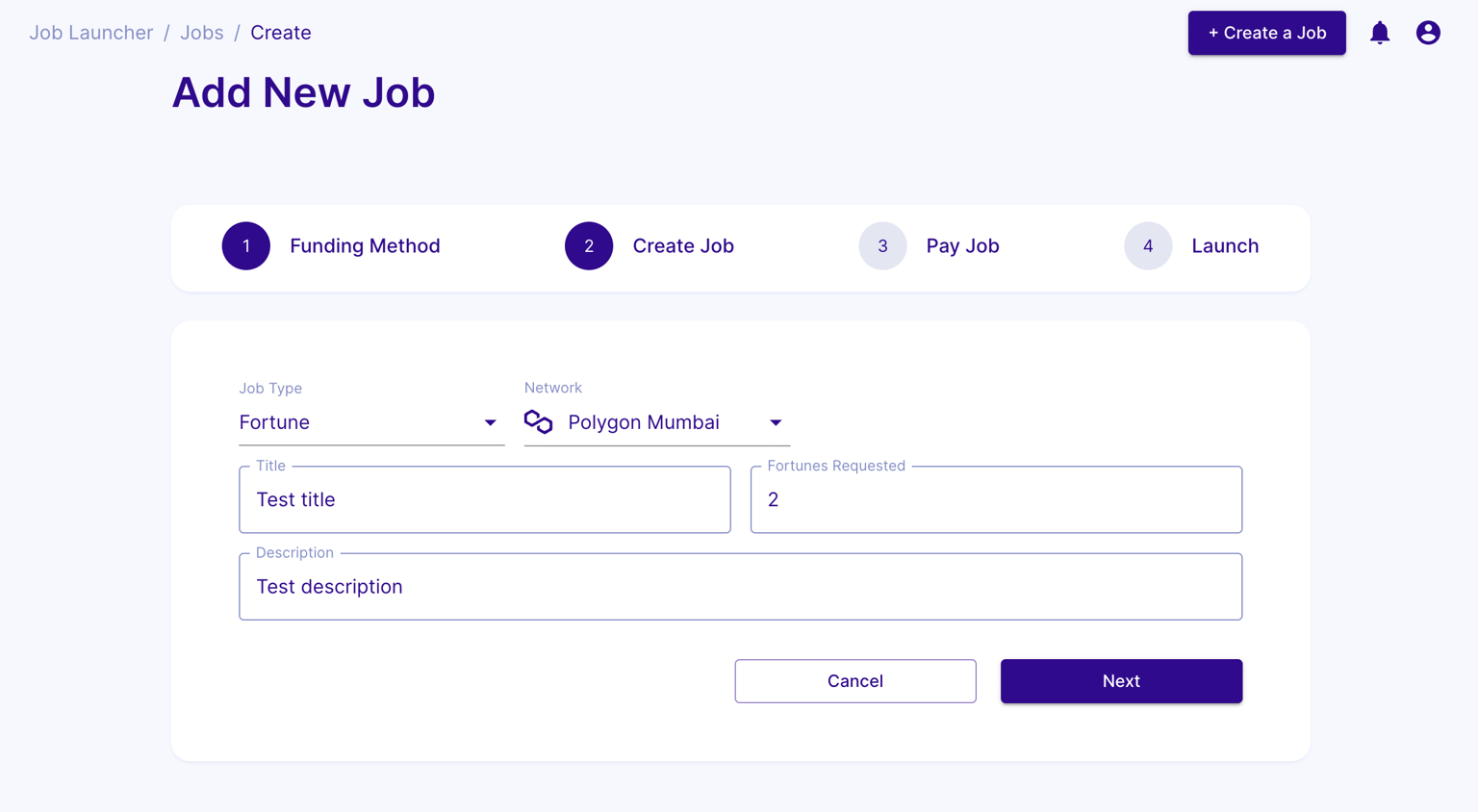
-
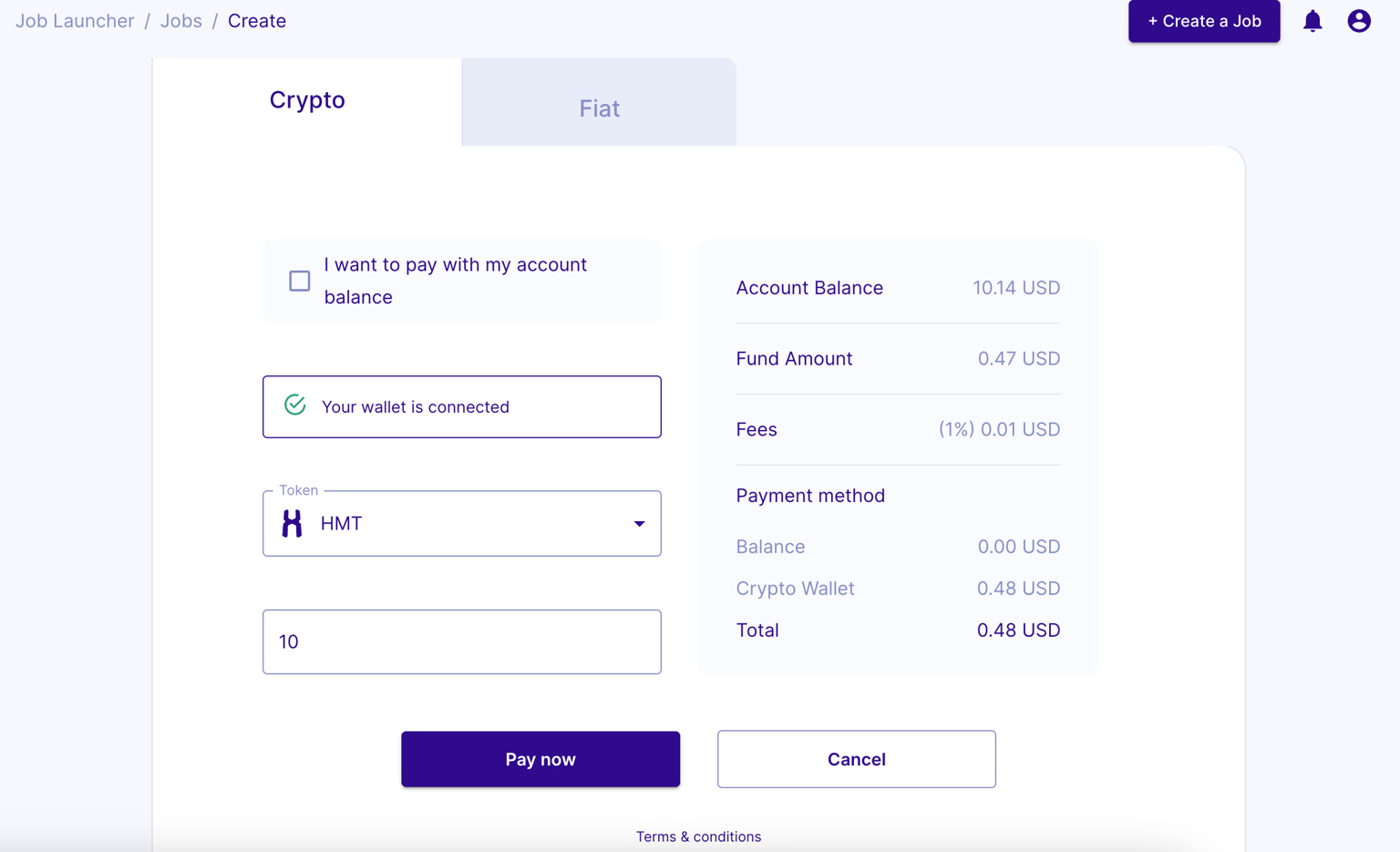
Choose the token and amount to fund the job.
-
Click Pay now, then approve the transaction in your wallet.
- After paying for the job, sign the verification message when prompted.
-
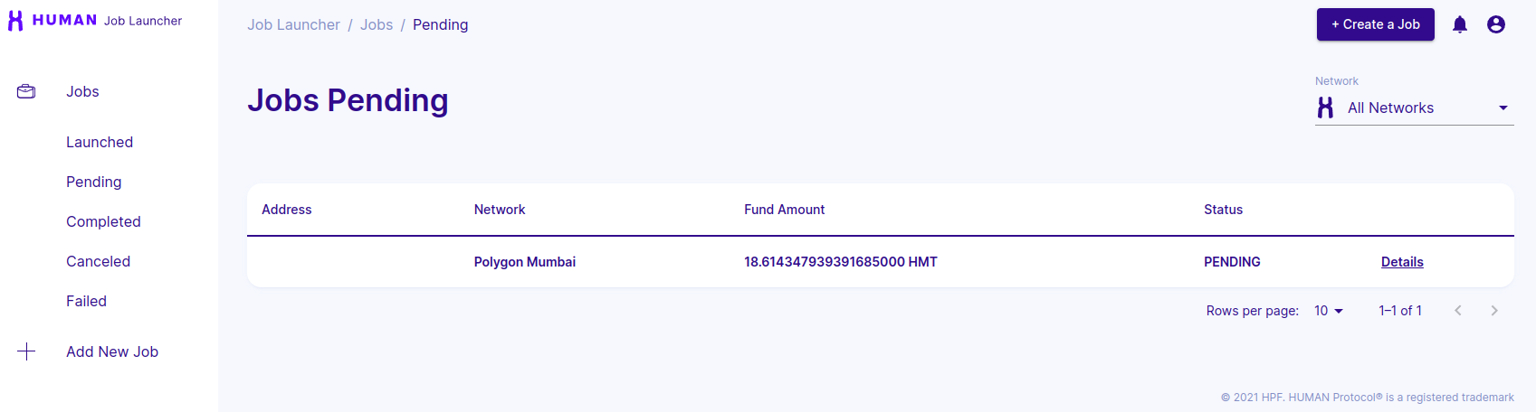
You can see your pending job in https://job-launcher.humanprotocol.org/jobs/pending.
-
Once your job is launched, it appears in https://job-launcher.humanprotocol.org/jobs/launched.